
A new Coinlyzer account starts with 7 days of Pro, free and without a card. When the 7 days are over, the account moves to Free on its own unless you’ve chosen to keep Pro. Nothing is charged unless you subscribe.
How the trial works
The trial starts when you sign up and includes everything in Pro: every match in real time, the Pro columns, unlimited rules and saved screens, and 30 alerts with no daily limit. The first time you open the app, a welcome tells you the date it ends and what Free includes afterwards:
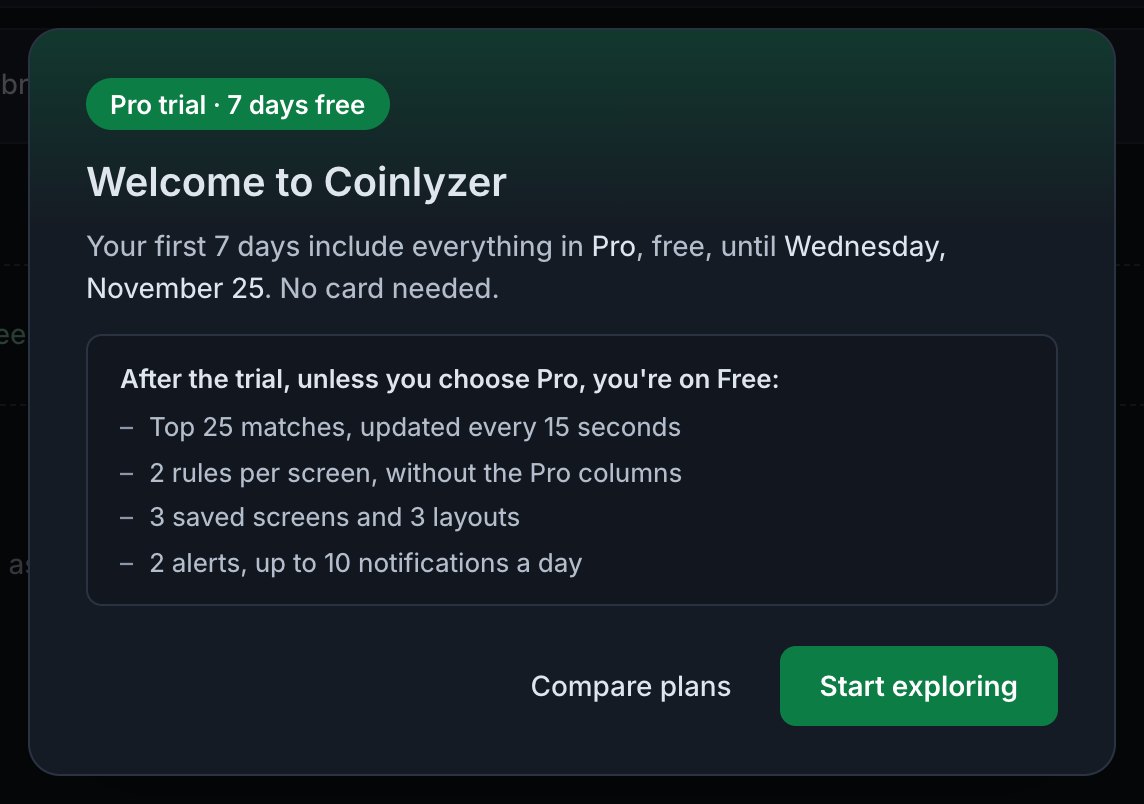
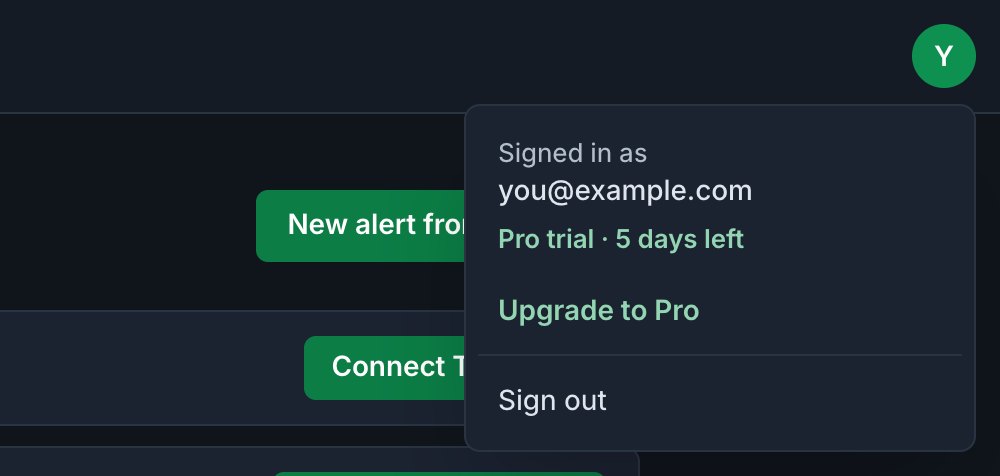
- Days left are in the account menu, under your email: for example Pro trial · 5 days left.
- An email reminds you about two days before the trial ends, with the date in the subject line.
- One trial per person. Accounts made before the plans started on 15 November 2026 got their 7 days from their first visit after that.
Keep Pro after the trial
You can subscribe at any time during the trial without losing the days you have left:
Open the account menu and click Upgrade to Pro
It’s the round button with your initial, at the right of the app bar.
Choose Monthly or Yearly
Monthly is $39. Yearly is $390 once a year, which is $32.50 a month and $78 less than 12 monthly payments.
Click Keep Pro after my trial and pay on the secure checkout page
The note under the button says when your first payment is: the day your trial ends. Nothing is charged before then, and if you cancel before then you pay nothing.
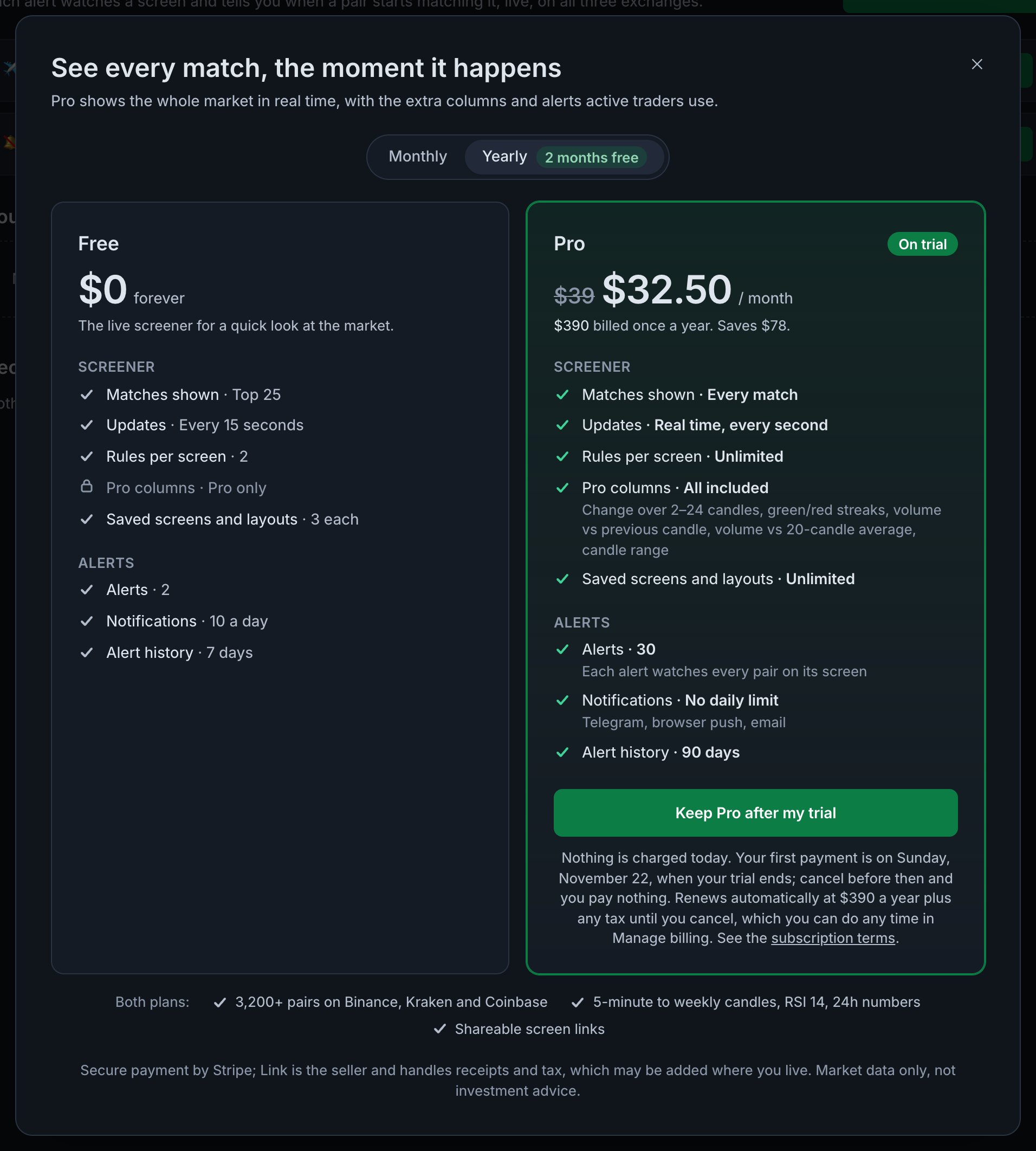
The upgrade dialog for a placeholder account with 5 days of trial left. After the trial, the button says Upgrade to Pro and Pro starts as soon as you pay. Back in Coinlyzer, Pro is confirmed
After paying you come back to the app, which shows Welcome to Coinlyzer Pro with your plan and, if you’re still in the trial, the date of the first charge. This usually takes a few seconds; if the account menu doesn’t say Pro yet, reload the page a moment later.
Manage billing
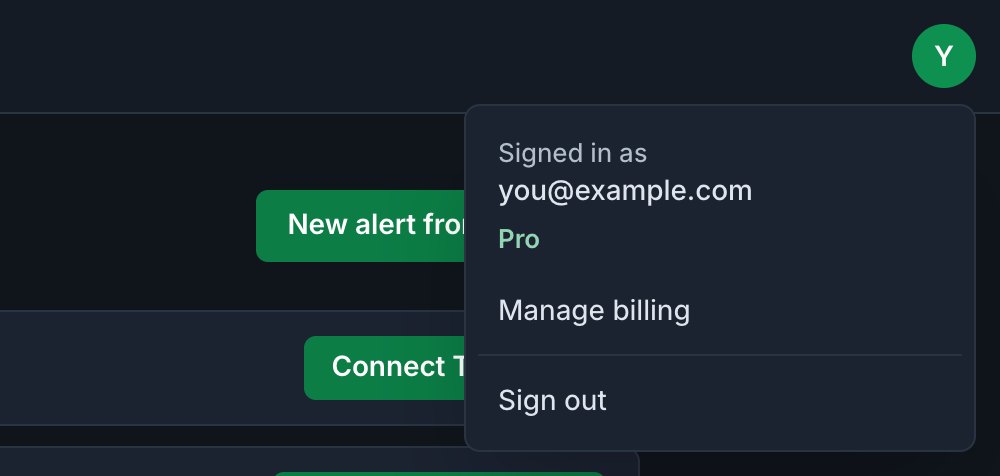
Once you’ve subscribed, the account menu has Manage billing. It opens your billing page at Stripe, where you can:
| You want to | What happens |
|---|---|
| Switch to yearly | Right away, with the unused part of your month credited |
| Switch to monthly | At your next renewal |
| Change your card or payment method | Used from the next payment |
| See or download invoices | Every past payment is listed |
| Cancel | Pro stays until the end of the period you’ve paid for |
Cancel
Cancel in Manage billing, or email support@coinlyzer.com. Cancelling stops future renewals; you keep Pro until the end of the period you’ve paid for, and you aren’t charged again.
- The account menu then counts down: Pro · ends in 12 days.
- Changed your mind? Turn renewal back on in Manage billing before that date.
- Cancel during the trial and nothing is ever charged.
- Payments aren’t refunded for the unused part of a period, except where the law requires it. In the EEA, the UK and Switzerland you can withdraw from a new subscription within 14 days. See the subscription terms, and email us if something went wrong.
When Pro ends
When the trial runs out without a subscription, or a cancelled subscription reaches its end date, the account moves to Free. Nothing you saved is deleted:
- Alerts beyond Free’s 2, or with more than 2 rules or a Pro column, are marked Paused. They’re kept and start again when you subscribe.
- Saved screens and layouts stay and still open. Rules over the Free limit are marked not applied. Saving a new one when you have 3 or more asks you to replace or delete one, or to upgrade.
- Alert history older than 7 days is hidden, not deleted: Coinlyzer keeps 90 days, and it shows again on Pro.
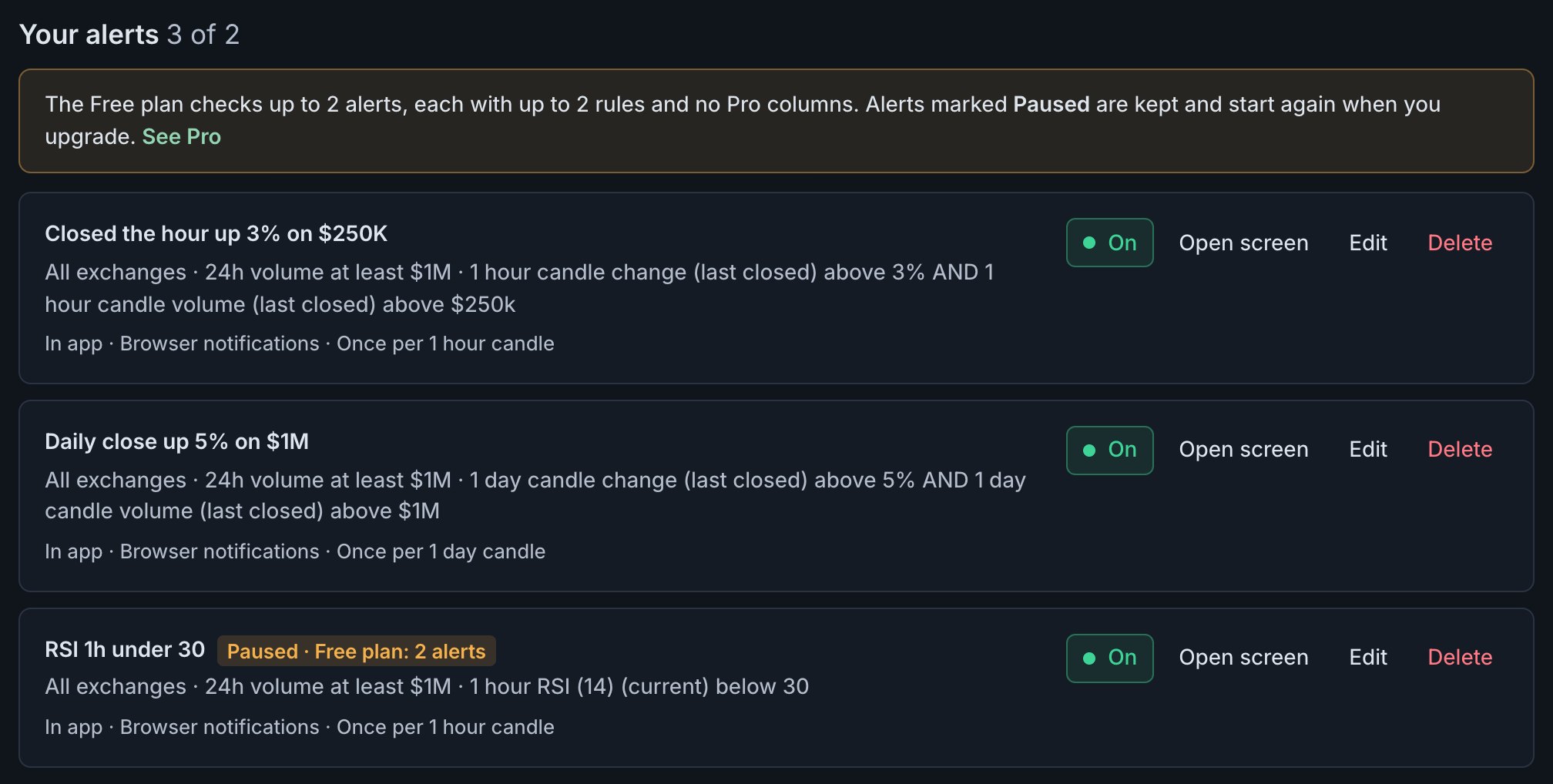
If a renewal payment fails, Stripe retries it for a while and you keep Pro for up to 7 days after the period ends. If it still can’t be collected, the account moves to Free in the same way. Free vs Pro shows everything Free includes.
Compare the plans
Every Free and Pro limit side by side, with monthly and yearly prices and the questions people ask most.
FAQ
Do I need a card for the Coinlyzer trial?
No. The 7-day Pro trial starts when you sign up, without any payment details. When it ends, the account moves to Free unless you subscribe.
If I subscribe during the trial, do I lose the rest of it?
No. The trial continues, and the first payment is taken on the day it ends. Cancel before then and you pay nothing.
How do I cancel Coinlyzer Pro?
Open the account menu, choose Manage billing and cancel there, or email support@coinlyzer.com. You keep Pro until the end of the period you’ve paid for and aren’t charged again.
Can I switch between monthly and yearly?
Yes, in Manage billing. Moving to yearly takes effect right away with the unused part of your month credited; moving to monthly starts at your next renewal. Yearly is $390, $78 less than 12 monthly payments.
What happens to my alerts and screens when Pro ends?
Nothing is deleted. Alerts beyond the Free limits are paused, saved screens stay, rules over the limit aren’t applied, and alert history older than 7 days is hidden. All of it comes back when you subscribe again.
Next guide
Why Coinlyzer’s numbers differ from your exchange app
A pair was up 69.8% on the 24h change and 12.8% on today’s candle at the same moment. Rolling vs candle, UTC, USD volume, different markets and timing explained.
Related
Coinlyzer shows market data only. Screens and examples in this guide show how the product works; they are not investment advice or a recommendation to buy or sell anything. Screenshots may differ slightly from the app as it improves.